Home / CX Platform
The CX Platform
Find out what broken customer journeys cost, hear what customers say about them, decide what to fix, and show the result. New here? Follow the six steps below, in order.
At a glance
The CX Platform
- Cost
- Free while it is being built
- Your data
- Stays on your computer
- Works offline
- Yes, once opened
- Method
- IACS-7, published in full
See the platform
Six screens, each filled with its built-in made-up example. Under each is the question that screen answers.
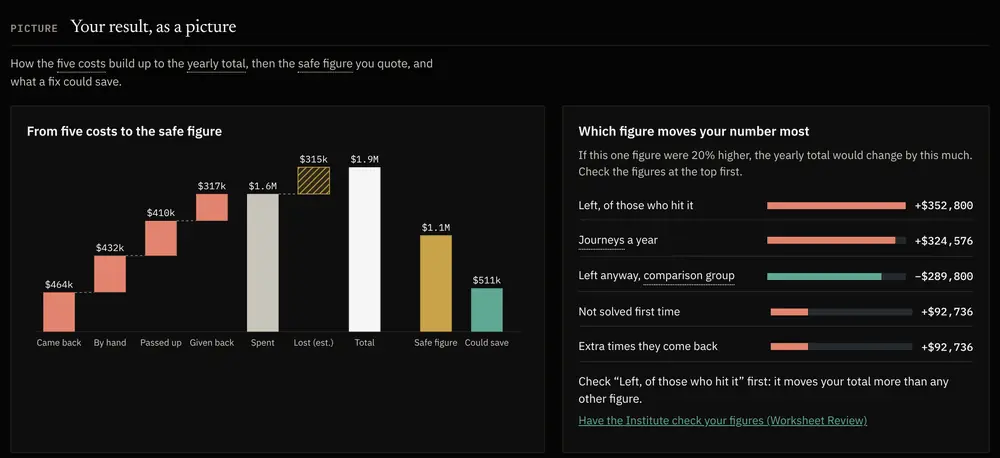
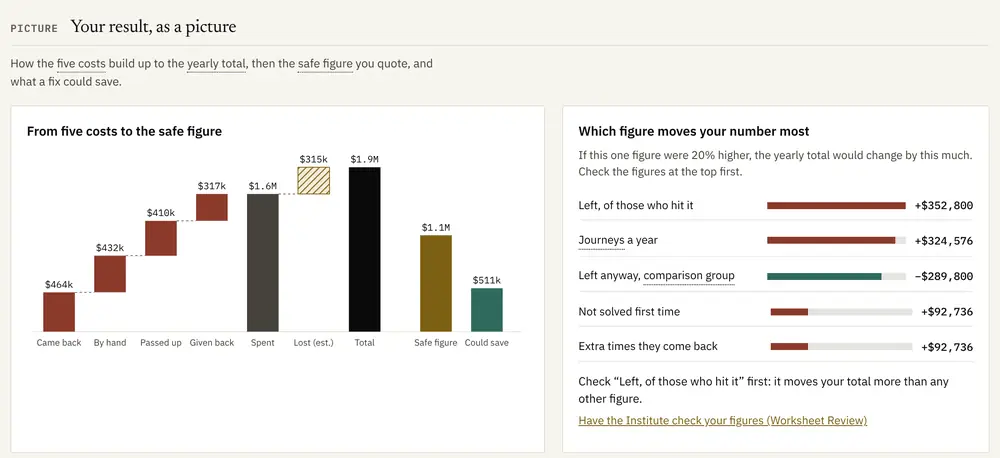
Made-up exampleFriction WorksheetWhat does one broken journey cost in a year, and which input moves that figure most? 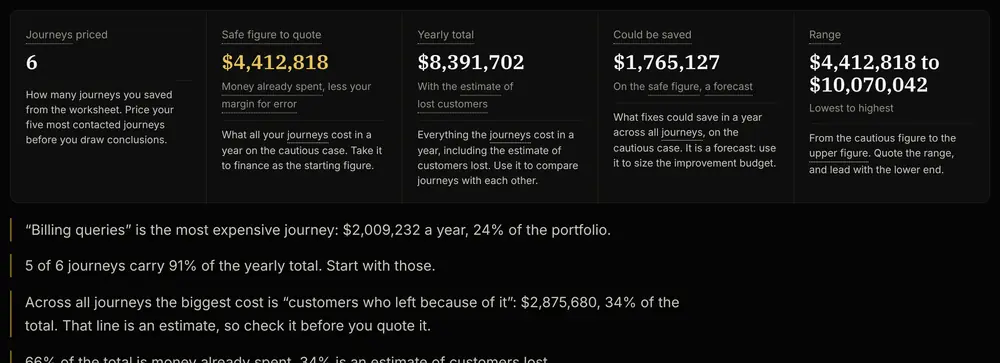
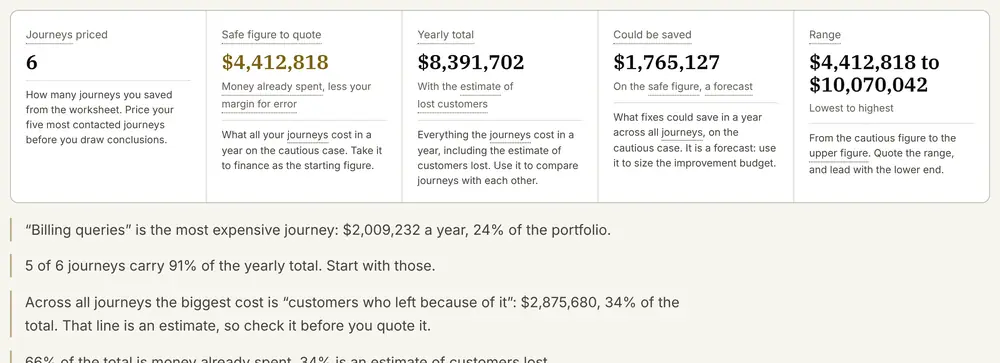
Made-up exampleJourney PortfolioWhat do all the journeys cost together, and which one costs most? 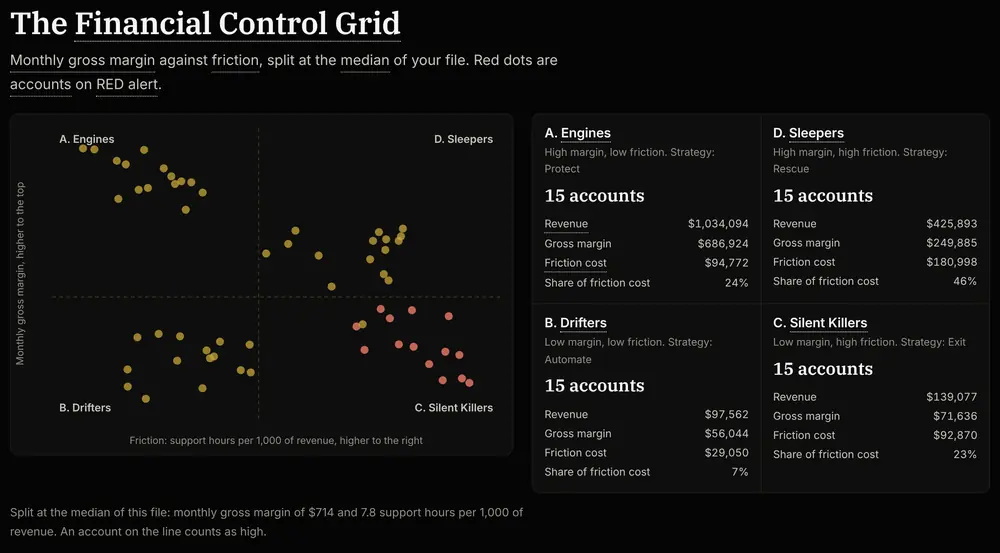
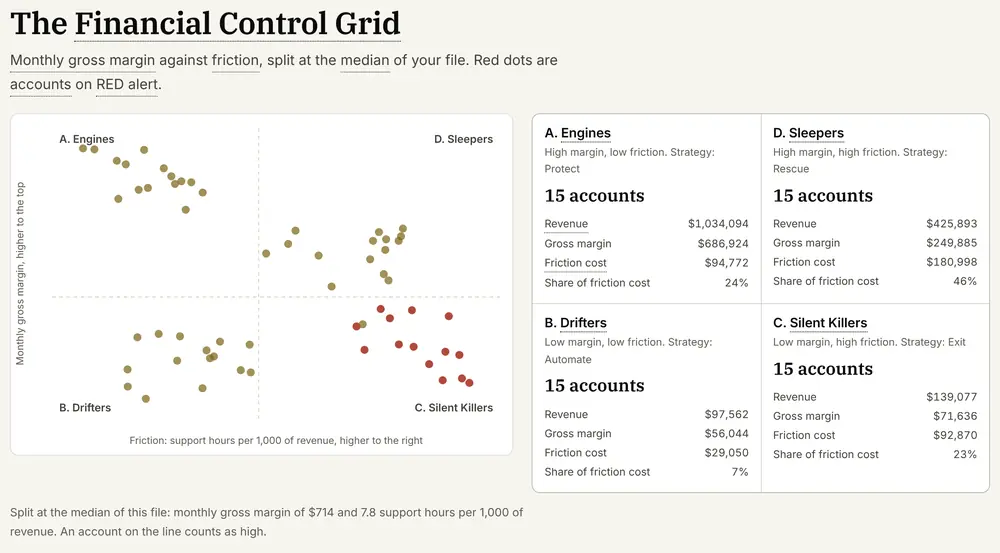
Made-up exampleAccount AnalyzerWhich accounts earn more than they cost to serve, and which do not? 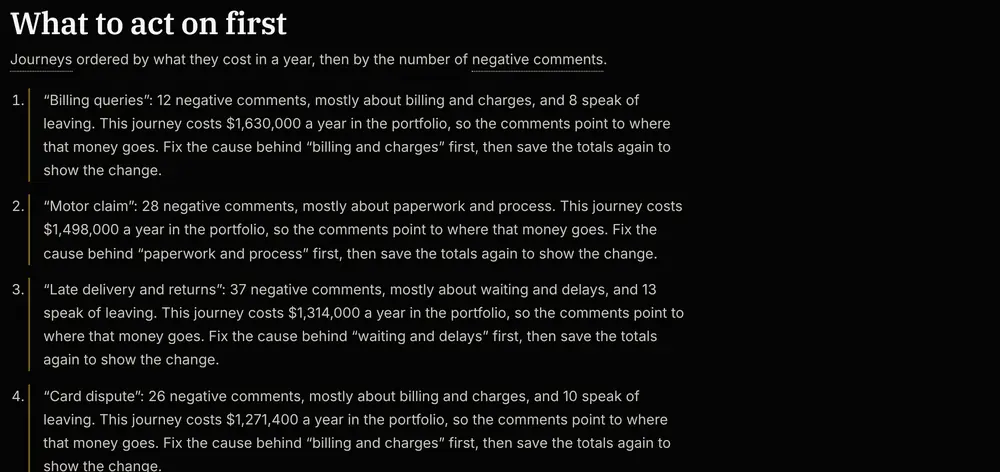
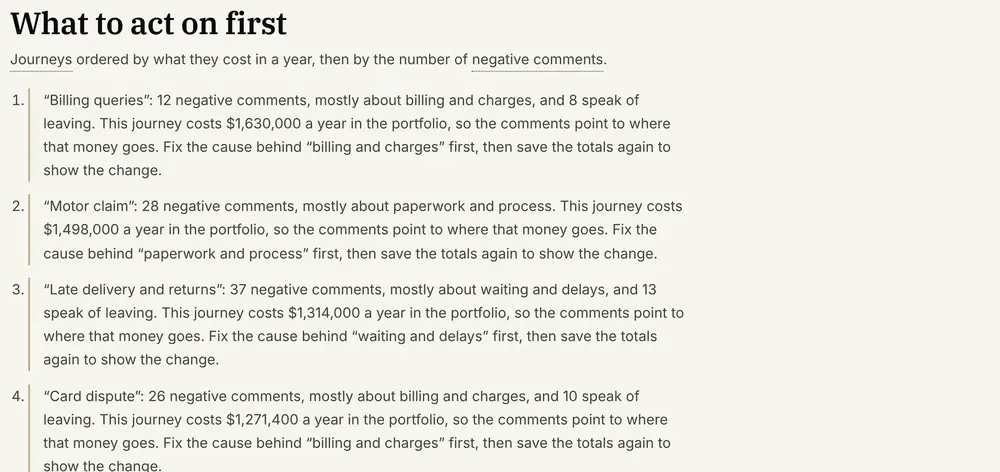
Made-up exampleVoC AnalyticsWhat are customers complaining about on the costly journeys, and what should be fixed first? 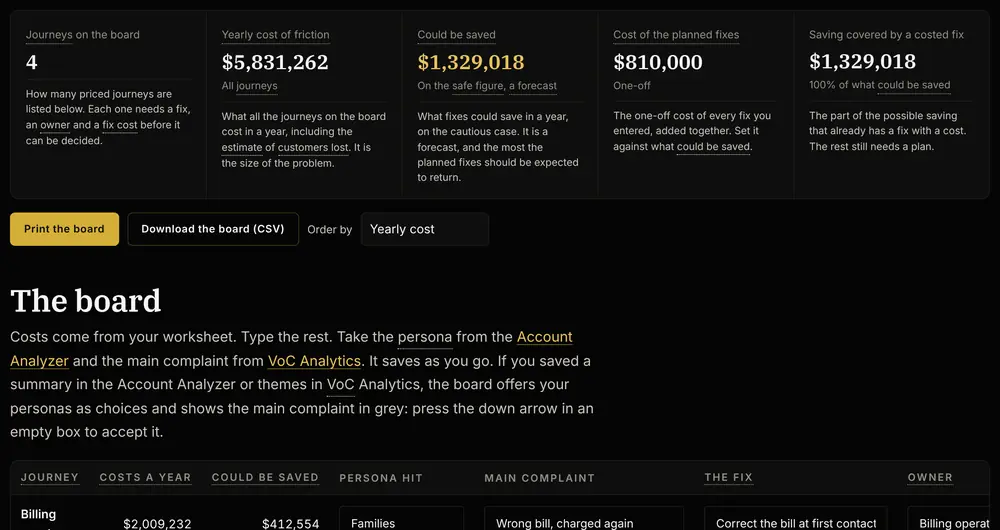
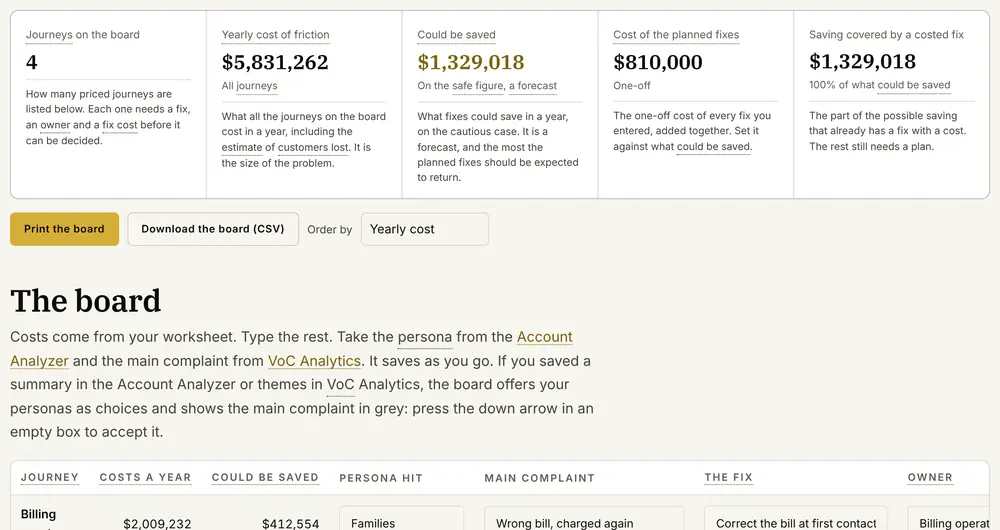
Made-up exampleStrategy BoardWhat is the fix for each journey, who owns it, and how much could it save? 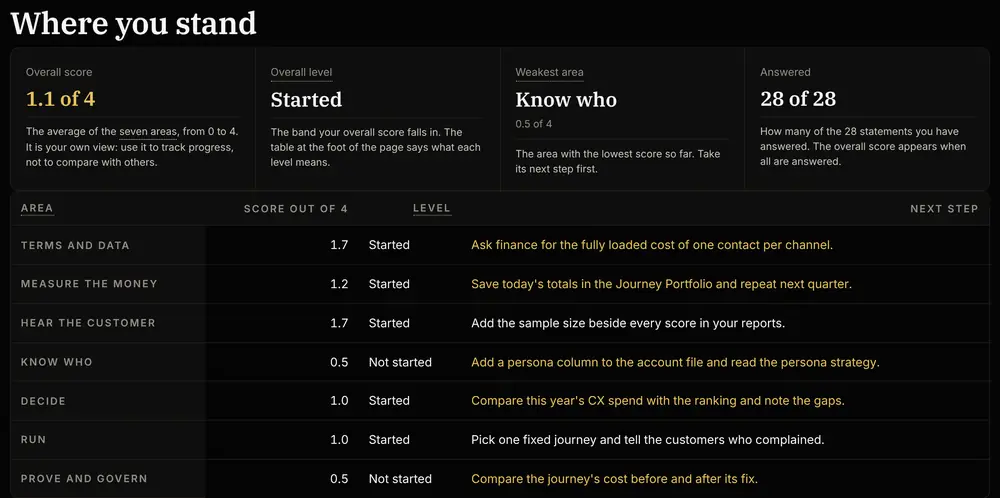
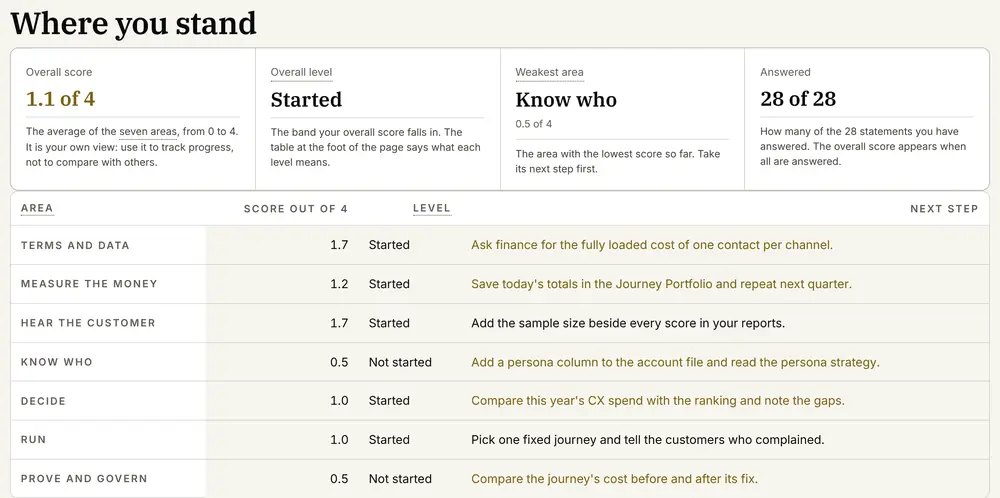
Made-up exampleMaturity assessmentWhere does the organization stand in seven areas, and what is the next step for each?
Each picture is a real screen of the live platform after its own example button was pressed. Every figure in them is made up and describes no real organization. Press a picture to open that screen and try it.
Start here
Six steps, from one priced journey to a plan. Each step uses what the step before it produced. You can stop after any step and come back: your work is kept on this computer. A word you do not know? Every term is in the glossary.
Price one broken journey in the Friction Worksheet
- You put in
- How often the journey happens in a year, how often it goes wrong, and what each failure costs.
- You get
- What that journey costs in a year: a cautious figure to quote, and a range.
- Then
- Add it to your list and go to step 2.
See all journeys ranked in the Journey Portfolio
- You put in
- Nothing new. It reads the journeys you saved in step 1.
- You get
- Every journey ranked by cost, and where the money goes.
- Then
- Hear what customers say about the costly ones, in step 3.
Hear the customer in VoC Analytics and the Customer Research Kit
- You put in
- A file of customer comments, or a file of survey answers.
- You get
- The main complaint for each journey, and survey scores with how far to trust them.
- Then
- Decide what to fix, in step 4.
Decide and plan on the Strategy Board
- You put in
- For each journey: the fix, who owns it and what it costs.
- You get
- How fast each fix pays for itself, and what to do first. With one budget for several fixes, the Fix Planner shows which set to fund.
- Then
- Check how ready your organization is, in step 5.
Check where you stand in the Maturity assessment
- You put in
- Your answers to 28 statements. About ten minutes.
- You get
- A level for each of seven areas, and the next step for each.
- Then
- Look at single accounts, in step 6.
Analyze accounts in the Account Analyzer
- You put in
- A file with one row for each account.
- You get
- Which accounts earn more than they cost to serve, and which do not.
- Then
- The path ends here. Save a project file, then repeat step 1 for your next journey.
End of the path. After step 6 you have a priced list of journeys, what customers say about them, a plan with owners and paybacks, and a view of your accounts. Save it all in one project file, share it with your team through the shared database, and price the next journey.
See it work first
The guided example adds one made-up journey, a card dispute at a made-up bank, and walks you through the six steps with it. Every figure in it is made up. Your own work is not changed, and one click clears the example.
Your position today
Read from the work saved on this computer. Under each figure is what it means.
No work is saved here yet, so there are no figures to show. Load the made-up example to see this part filled in, or price your first journey.
The made-up example is loaded, so these figures include it. Clear it in the box under the six steps.
Everything on the platform, part by part
The six steps above use the parts marked Live or First version. This is the full list, including what is planned. Each part also works alone. The label on each card says how far it is built. Any word on a card that you do not know is in the glossary.
Where to start, by type of organization
The six steps are the same for everyone. These are the first things to do in each case.
A large company
- Price your five most contacted journeys in the worksheet.
- Load an export of accounts into the Account Analyzer, with a persona column.
- Load survey comments into VoC Analytics, using the same journey names.
- Agree fixes, owners and paybacks on the strategy board.
A government body
- Price one service, such as a permit or a licence, in the worksheet. Choose "Government and public services".
- Map its steps and owners in the Journey Portfolio.
- Set complaints beside the cost in VoC Analytics.
- Use the strategy board to show staff time released.
A small or medium firm
- Price the one journey that causes most calls.
- Enter what the fix would cost and read the payback.
- Print the one-page working paper for your accountant or bank.
A one-person business
- Open the worksheet and pick the nearest industry.
- Replace the example with your own figures, even rough ones.
- Fix the biggest line first. Come back in a month and compare.
Work as a team: the shared database
By default your work stays on this computer. Sign in to keep it in a shared database instead, so colleagues in your organization see the same journeys, portfolio and strategy board. Each organization sees only its own records. Signing in, joining with an invitation code and password resets are on their own page.
Your project file
Everything you enter stays on this computer. Save it as one file to keep a copy, move it to another computer, or pass it to a colleague. Opening a file replaces the work that is here.
Use it with no internet
In Chrome or Edge, open the browser menu and choose "Install" or "Save and share, Install page as app". No administrator rights are needed. After that the platform opens from your desktop and works offline.
The Sunday letter
One priced customer problem each Sunday, worked with the same method as the platform, with what to do about it on Monday. Free to read. Subscribe on LinkedIn.
Status. The platform is being built in the open. Parts marked "First version" work and have been tested, and will change. Accounts and shared use by a team are a first version, for pilots. A packaged version for your own server is planned. No organization has yet been assessed under IACS-7.